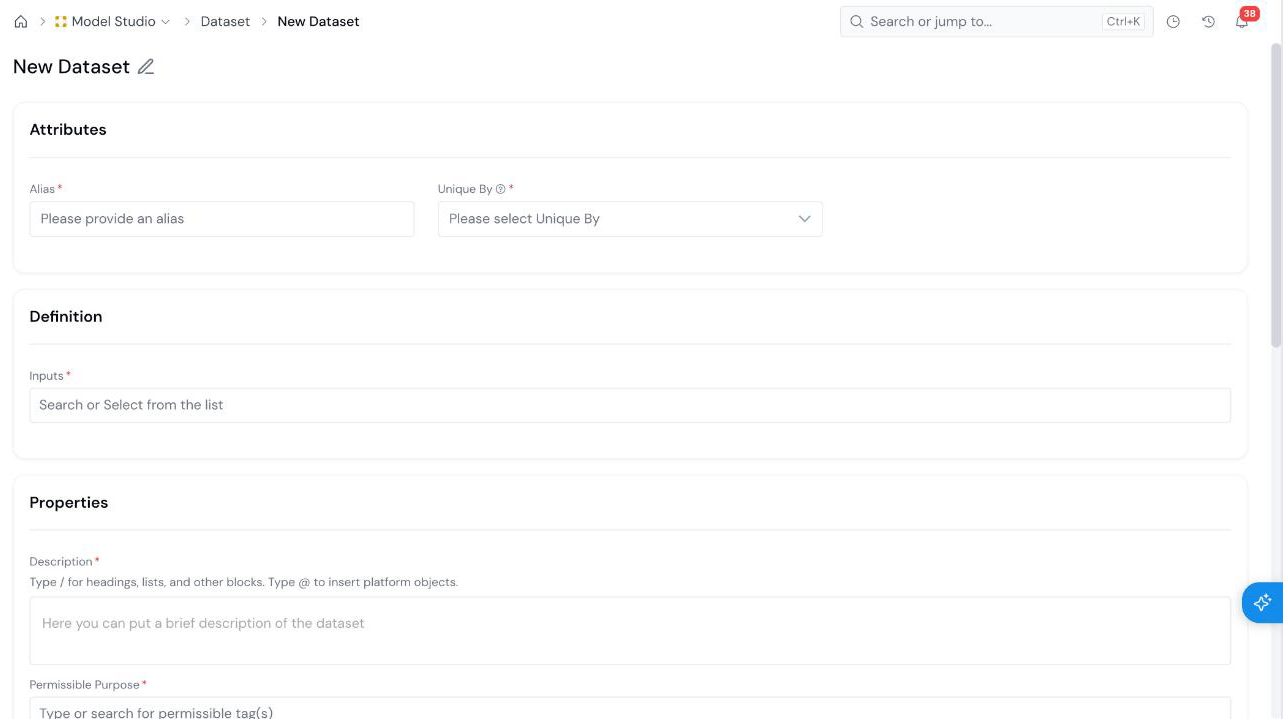
A Dataset combines registered Data Elements and Features into one governed modeling table. Open Model Studio → Datasets, click + New Dataset, set an Alias and Unique By, pick the Inputs, fill in the properties, and create.
## What is it?
A **Dataset** is a registered object type that combines Tables and Features for downstream use, such as training or scoring. You build it in **Model Studio**, using the data catalog you established in Data Vault and Feature Engineering.
Datasets are governed like Models. A Dataset has a status, goes through approval, appears in the Model Studio [Approval Queue](/user-guide/how-tos/use-the-approval-queue/), and can be shared. It is also simulatable: you can run a job on it, and the default reports for the Dataset object type are set in [Platform Settings](/user-guide/admin-guide/configure-platform-settings/).
Once registered, attach a Dataset to a Model as its development data (Train, Validation, and so on), so approvers can see what the Model was built on. See [Register a Model Definition](/user-guide/how-tos/register-a-model-definition/).
## How to Register